|
Overview
This design review checklist is applicable for all non-automated equipment.
When you’re done putting your equipment together, walk away from it for at least a few hours (or sleep on it) so your mind is fresh for the design review. If you can’t spare the time, or you just want a second perspective, ask a colleague to review your work; we do peer reviews all the time here at Vention.
You can also get one of our Application Specialists to review your design. Just send a request through MachineBuilder’s assist toolbar or via live chat at the bottom-right of any Vention webpage.
Checklist
1. Frame Parts | Starting from the bottom and working your way up, check for any missing extrusions, assembly plates , or other frame connector pieces. | |
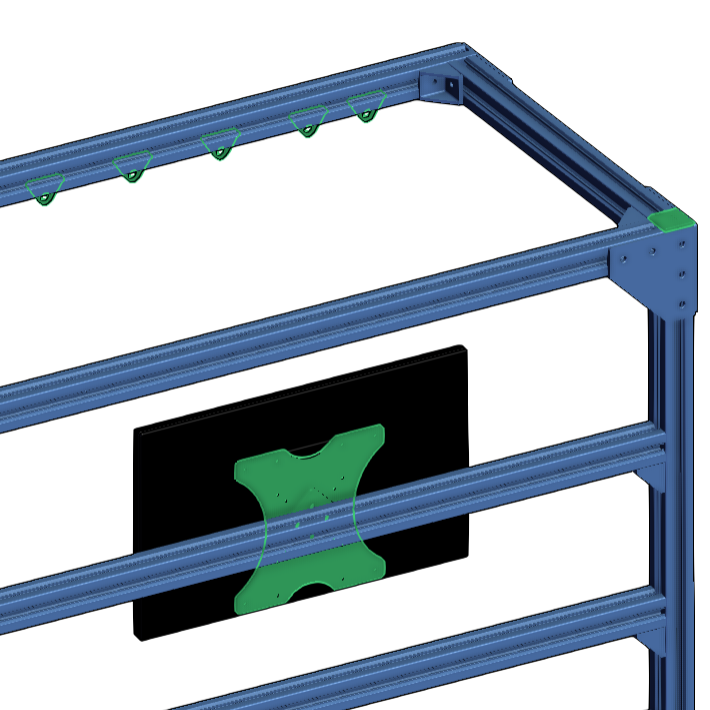
2. Accessories | Working your way back down, look for missing frame accessories like handles, rest pads, levelling feet, monitor mounts, plastic end-caps, bumpers, and wear strips. |
|
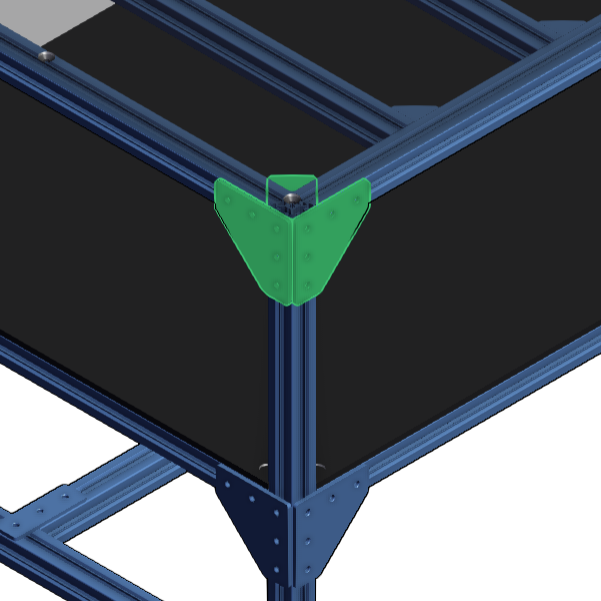
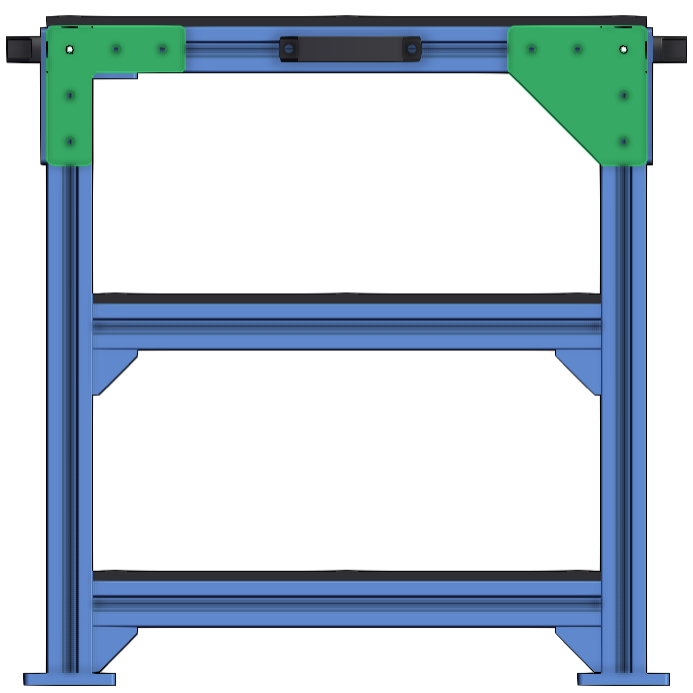
3. Assembly rigidity | Check the outer corners of your design. There should be a frame connector on each of the three planes, and all extrusions should be tightly squared with each other. |
|
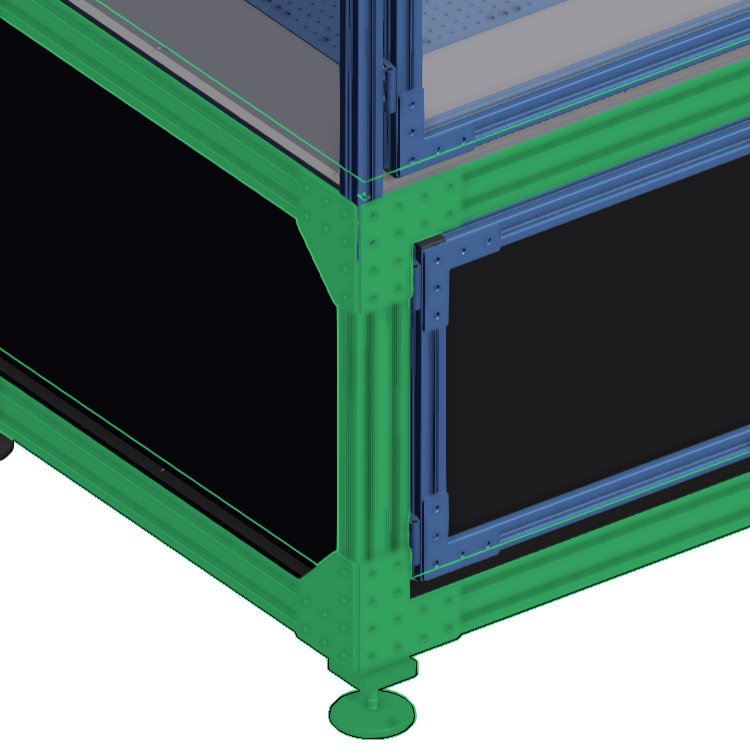
4. Structural integrity | Make sure your base frame is strong enough to hold whatever is on top of it. |
|
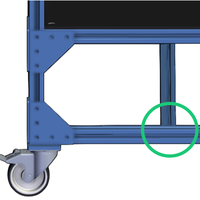
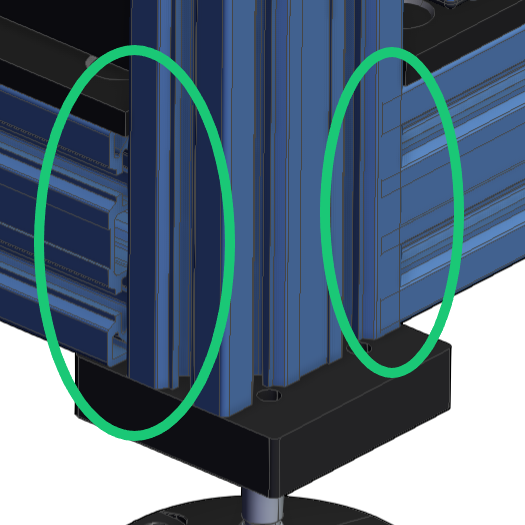
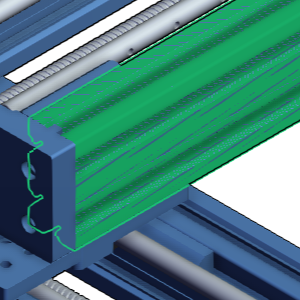
5. Frame interference | Take a closer look at the extrusion ends and make sure none of them are overlapping or gaping away from each other. |
|
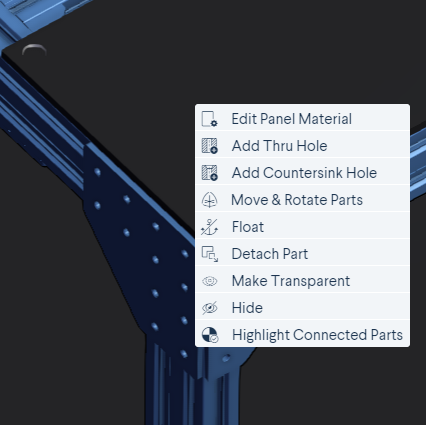
6. Panels | Make sure your “outside” panels have either thru holes or countersink holes. If any are missing, right-click on a panel to add the desired hole type. |
|
7. Part connections | In the Navigation compass, select Float if your assembly is fixed. Move your design via drag-and-drop to identify non-connected parts. |
|
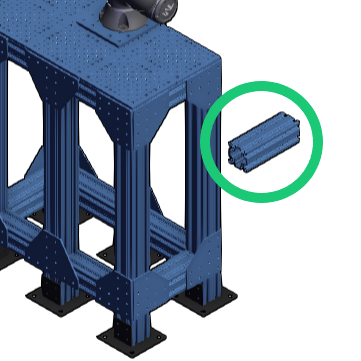
8. Hidden parts | Find and delete any hidden or duplicate parts. |
|
9. Frame connectors | With joints that need greater rigidity and angular precision, be sure to use locators with your assembly plates and frame connectors. |
|
10. Part consistency | Check whether your structural and framing choices are consistent throughout your design. |
|
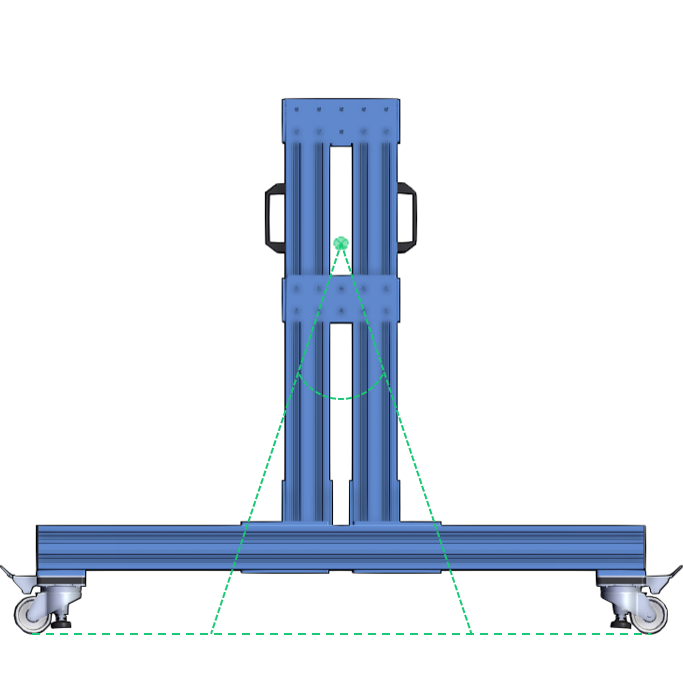
11. Stability | If your application is automated or your design supports a robot arm, your equipment must be anchored using the levelling feet or floor anchors. |
|
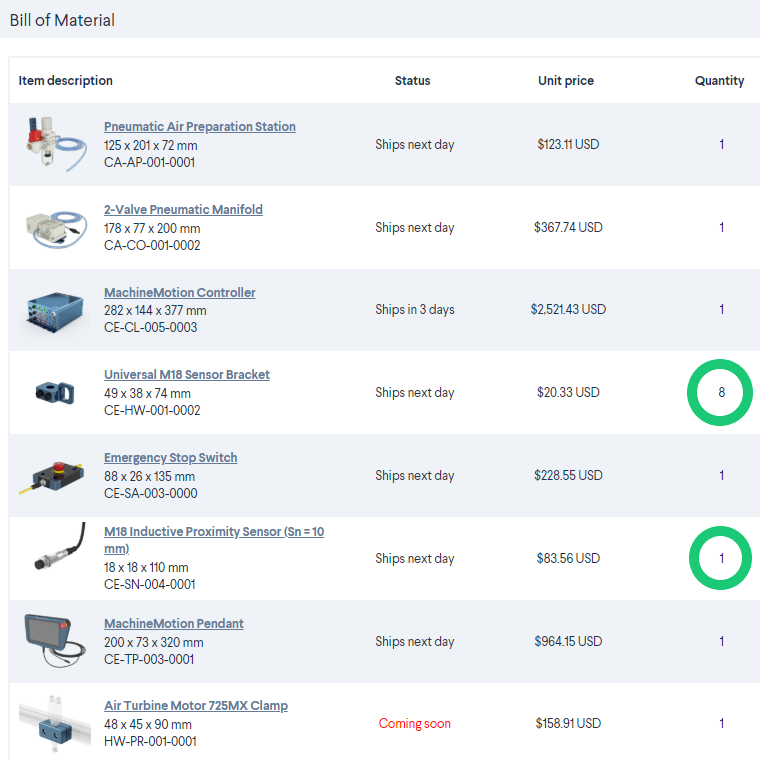
12. Bill of materials | Select BOM and read it over one last time, to make sure you have included all the parts you need. |
|