This guide explains the snapping increment functionality in MachineBuilder.
What is a snapping increment?
The snapping increment serves two purposes:
It presets the spacing for attaching components.
It controls the resolution (jump distance) when translating a component using the slider.
Why use the 45mm increment?
We recommend using the 45mm increment, as the Vention ecosystem is designed around this measurement. It helps avoid misalignment and provides a smoother design experience.
Unit & Increment Selection
Choose metric or imperial units from the dropdown menu. Below that, select the snapping increment, which defines the distance between snapping points..png)
.png)
If these options are not available in the top nav bar, you can enable them in the Toolbars section of the settings menu. .png)
Snapping (Attaching) Parts
When moving components for attachment, components will snap to one another at the selected snapping increment allowing you to attach parts together accordingly.
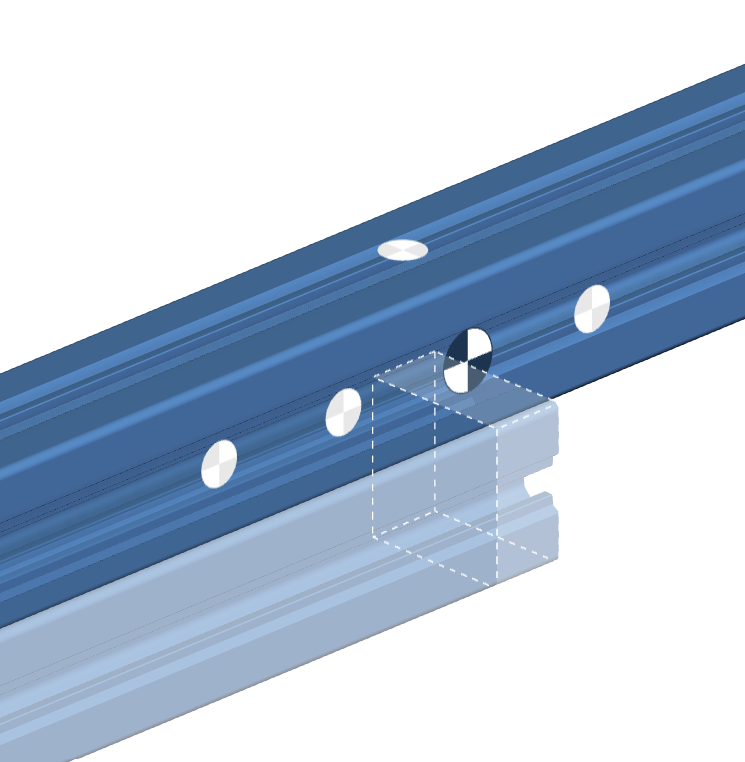
Translating Parts
Once a component is attached, you may translate it to another location. The snapping increment controls how far parts will “jump” during translation.
.png)